
InsideBusiness login methods: mToken and ING Scanner
Reading time: 2min
12 May 2026
ING offers two easy and secure ways to access InsideBusiness: mToken is a feature of the InsideBusiness App providing access via your mobile phone; ING Scanner provides access via an additional hardware device.
1. mToken (ING’s recommended login method)
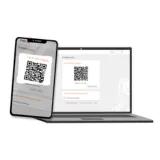
- A feature of the InsideBusiness App with a unique QR code solution
- Easy self-activation within minutes
- No need to wait for the delivery
- No expiration date
- Fast and easy login and signing
- Environmentally friendly
- Meets global security standards
2. ING Scanner
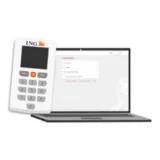
- Alternative for users who cannot use mToken
- A physical device with a unique color-coded QR solution
- Self-activation or activation by ING or a corporate administrator
- Delivery by registered courier
- No expiration date
- The ING Scanner device is available in 4 languages: Deutsch, English, Français, Nederlands
Secure access
ING ensures secure access to InsideBusiness between customers and the platform via strong customer authentication, encryption and continuous transaction monitoring (for more details, visit ING’s security measures). mToken and ING Scanner are two-factor authentication methods compliant with global regulations.